Upcoming Blue Light Show1–2 Jul · Olympia, London · See us @ stand Q5 for live demos Event details ↗

What3Words Integration

Blue Light Maps can now navigate first responders directly to what3words locations — in the app designed for the frontline, by the frontline.

navigationnews

We’re excited to announce Blue Light Maps can now navigate first responders to what3words locations, in the app designed for the frontline, by the frontline.

Emergencies can happen anywhere, from an incident at a remote hiking location to an accident on the side of a highway. But identifying precisely where help is needed can be near impossible if you’re in an area with no address or if that address covers a large area.

What is what3words?

what3words has divided the world into 3 metre squares and given each square a unique combination of three words: a what3words address. ///kite.chats.dine, for example, is a precise 3 metre square in a field next to the River Ouse in York, UK. It’s free for members of the public to find a what3words location via the app for iOS and Android or the online map at what3words.com. what3words addresses cover the entire world and can be used in over 40 languages.

What does the integration mean?

Blue Light Maps is the navigation and mapping solution designed for the emergency services. This integration means that where a member of the public, or fellow first responder, uses a what3words location to provide their location, we can quickly navigate help to them.

Even in inaccessible areas, Blue Light Maps will route the first responder to the nearest possible vehicle access point and direct them by foot if necessary.
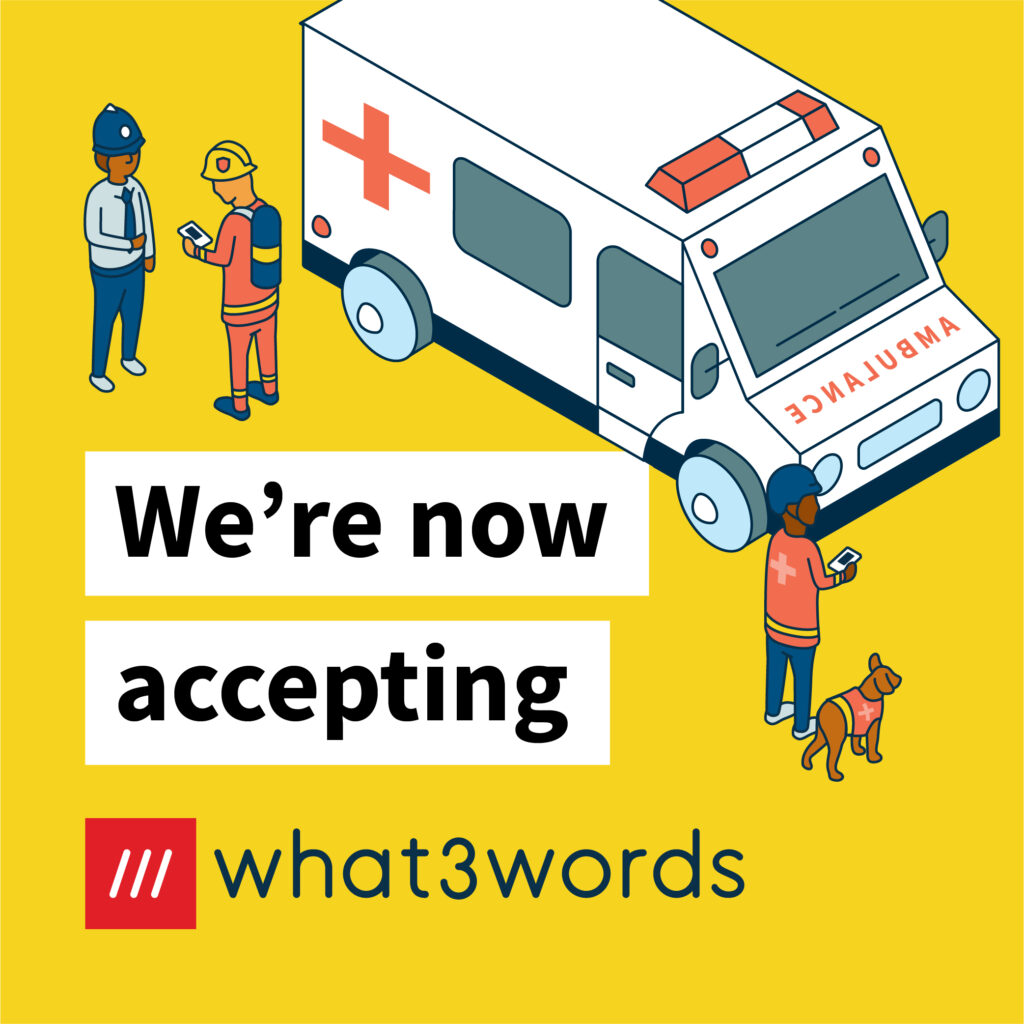
Blue Light Maps now accepts what3words addresses

How does a first responder get to a what3words location?

Blue Light Maps avoids the need for emergency service workers to waste precious time having to lookup a what3words location separately and then inputting a nearby landmark to other navigation solutions.

Now a first responder can simply search for, and navigate to, a what3words location in a single app – knowing that their route uses Blue Light Routing, taking into account their legal exemptions from normal traffic restrictions.

How to give your what3words location in an emergency

Open the what3words app and tap the Locate Me icon. The what3words address for your current location will be displayed at the top of the screen. Read out the three words to your emergency call taker. For example, if you’re at ///index.home.raft simply say: ‘My what3words address is index home raft’

The emergency service will use the what3words address to see exactly where you are and send help.

Ready when you are

Equip responders with smarter maps.

30-minute walkthrough. Trial in your area.
No commitment until your team is sold.

Trusted by responders · Operationally proven

Summary

Blue Light Maps has integrated what3words technology, enabling first responders to navigate directly to precise 3-meter square locations identified by three-word addresses. This feature streamlines emergency response by allowing users to share their exact location, even in areas without traditional addresses, and facilitates quicker navigation for responders, including guidance by foot if necessary.

Key Facts

Frequently Asked Questions

What is what3words?

what3words has divided the world into 3 metre squares and given each square a unique combination of three words: a what3words address. ///kite.chats.dine, for example, is a precise 3 metre square in a field next to the River Ouse in York, UK. It’s free for members of the public to find a what3words location via the app for iOS and Android or the online map at what3words.com. what3words addresses cover the entire world and can be used in over 40 languages.

What does the what3words integration mean for Blue Light Maps?

This integration means that where a member of the public, or fellow first responder, uses a what3words location to provide their location, Blue Light Maps can quickly navigate help to them. Even in inaccessible areas, Blue Light Maps will route the first responder to the nearest possible vehicle access point and direct them by foot if necessary.

How does a first responder get to a what3words location using Blue Light Maps?

A first responder can simply search for, and navigate to, a what3words location in a single app – knowing that their route uses Blue Light Routing, taking into account their legal exemptions from normal traffic restrictions. This avoids the need to waste precious time having to look up a what3words location separately and then inputting a nearby landmark to other navigation solutions.

How to give your what3words location in an emergency?

Open the what3words app and tap the Locate Me icon. The what3words address for your current location will be displayed at the top of the screen. Read out the three words to your emergency call taker. For example, if you’re at ///index.home.raft simply say: ‘My what3words address is index home raft’.

Related Entities

Companies
Blue Light Maps, what3words
Products
Blue Light Maps, what3words app
Locations
York, UK
Technologies
what3words